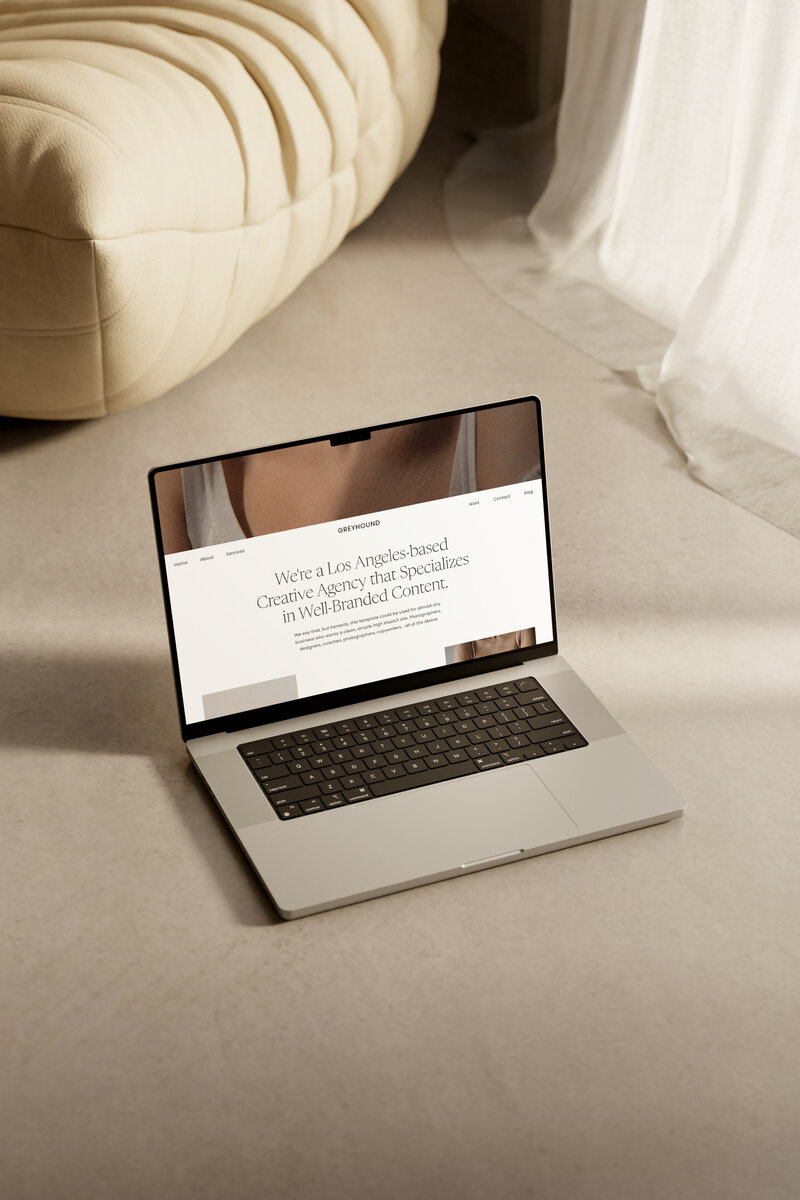


So, you’ve found yourself in an Internet rabbit hole of “which website builder is right for you?” and ended up in the beautiful world of Showit website design? Perfect—we’re glad you’re here. We can’t wait to show you around and tell you every single thing you need to know about how to use your Showit website.
Whether you’re new to website templates entirely, or giving yourself a site refresh, Showit is the best website builder on the market for designing gorgeous websites that convert—which is why we’ve only ever designed templates for Showit.
But we’ll get to all things templates later – for now, let’s start with the basics of what Showit is, why you need it, and how to get all set up.
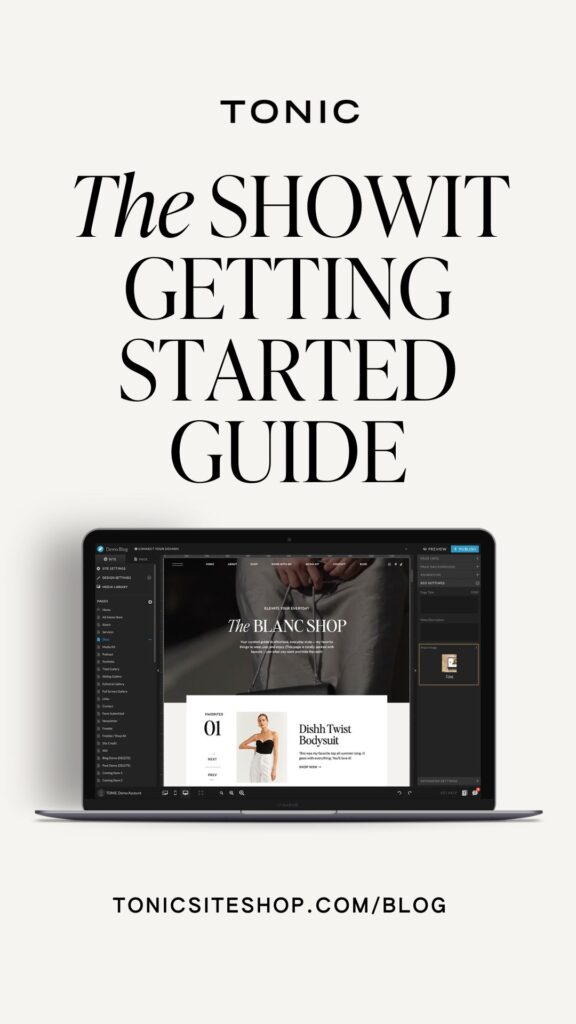
All Of Your Showit Questions, Answered.
First things first… what is Showit?
Showit is a drag-and-drop website platform that allows you to design gorgeous websites with ease (you’ll never be trapped in a website you can’t edit yourself). You’ve heard of Squarespace and Wix, right? Showit is like that, only more beautiful and 10x easier to maintain.
With Showit, you don’t need to spend hours Googling for CSS codes or troll through developers on Upwork just so you can move a text box a little bit to the left. It’s like the Canva of website platforms—by business owners (who understand the value of marrying ease + design, for business owners (who really freaking want ease + design).
Wait, so what’s the difference between TONIC and Showit?
Think of it like this: Showit is Netflix, and TONIC Site Shop is Emily in Paris.
(Or, you know, Ozark / Selling Sunset / Stranger Things, depending on your vibe…)
Showit is the website hosting platform, and here at TONIC we sell designer website templates for that platform. (AKA we’re the website template shop who makes your site look beautiful, so your site can convert readers into buyers.)
Is Showit easy to use?
Yes! That’s one of the million reasons why we love Showit; it’s really as user-friendly as they say.
(“They” being the countless entrepreneurs, service providers, and bloggers who are now happy Showit users.)
My template was seamless to plug-in, easy to set up, and TONIC has covered every single angle. Now my online presence feels CONFIDENT, sexy, exclusive, and LUXURIOUS!
JACQUELINE

Showit is super user-friendly and the “how to” videos TONIC made to accompany the templates taught me EVERYTHING I needed. I loved using it – it was so easy and fun! I am not techie AT ALL and I was able to figure everything out easily.
TANIA

No more buying templates that are hard to use or spending hours trying to build out pages only to get stuck and put publishing on hold. The BEST PART is that I put EVERYTHING together over ONE WEEKEND. The download to completion couldn’t be easier.
LIZ

You need a website that instantly exudes CONFIDENCE and COMPETANCE, and Showit + TONIC will help you get there quickly. I got my new site up and running in less than a day, and leads are already rolling in like CRAZY!”
AMANDA

“I spent months working on my old website. I was trying to save money by using price-driven web templates that needed custom coding…. but ended up with nothing to show for it. Because of TONIC + Showit, I had a full customized website up and running in ONE WEEK, y’all! Yes, I said ONE WEEK.”
KYLIE

However, we do have to mention that Showit is a complete blank slate at first—which is amazing for customization and design freedom, but could potentially be overwhelming for someone who isn’t a designer by trade, or has never built a website from scratch before.
So, should I start from a Showit website template, then?
We may be a little biased, considering we are literally a Showit website template shop, but absolutely yes. Why not make an already-easy thing even easier?
Whether you’re a wedding planner, an SEO specialist, an influencer, a copywriter, or heck, a dog walker —there’s a TONIC template for that.
(Consider this the official call to all dog walkers with TONIC templates: please email us, we need to see your website ASAP.)
I think I know, but I want to make sure: what is a Showit website template again?
A Showit website template is a collection of pre-designed page layouts that allow you to insert your content—copy, images, media—and create a ready-to-go website, without having to be an expert in design.
And a good website template is always built with strategy, user experience, conversion, and aesthetics in mind. (Like ours!)
Showit website templates make it so easy to bootstrap your website, without making it look like you bootstrapped your website. When done right, templates can make your brand’s online home look even MORE designer than actual designer-crafted websites.
When looking for a Showit website design template, you’ll want to make sure you feel like you’ll be able to easily customize it yourself, because nothing is more frustrating than not being able to figure out how to freaking work the dang thing.
It’s also extremely important to choose a website template that is responsive, and fits the capabilities you’re looking for (do you need options for e-commerce sales? Selling courses? Easy integration of video?) so your template can grow with you as your brand does.
Is Showit the right website hosting platform for me?
If you’re a creative looking for a platform that allows you to fully customize and optimize every single inch of your site, without any coding (or struggling), then YES, Showit is the best website builder for you.
Showit gives you total control over every element of your website with its drag-and-drop capabilities, so you can create *exactly* what you’re envisioning.
(If you’re still unsure, though, click here to read about why it’s better than the Internet’s other go-to website builder Squarespace.)
I’ve heard that WordPress is better than Showit, though… What’s the deal?
This is sort of a trick question—because Showit and Wordpress actually work together to help you create the site of your dreams.
Because Showit is powered by WPEngine, the highest-rated WordPress host on Earth, you’re able to design in Showit, while posting blogs with WordPress.
Best of both worlds, if you ask us.
Is Showit good for SEO?
Yes! We actually get this question all the time, so we wrote an entire post about it. Read more about exactly why and how Showit is good for SEO right here.
Setting Up Your Showit Account and Adding Your Template
We’re gonna give you a step-by-step breakdown of exactly how to set up your Showit website in just a sec, but first: a moment of appreciation for the Showit support team.
They are the absolute best in the biz—they actually care about helping you—and they will help you with anything you need in regards to getting your account up & running.
When our community has Showit-specific questions, we direct them to one of these 3 places:
- Learn how to use Showit in less than 30 minutes by watching one easy-to-understand “how to” video
- Join the Showit Facebook group where 12,500+ Showit users ask (and answer!) all sorts of website-specific questions
- Browse Showit’s helpful resource hub to search through their documentation of every feature in Showit, chat with the support pros, or get in touch with the right person in case of a website emergency
Now, for the how-to of it all:
01 — Create your Showit account
If you don’t have one already, head over to Showit and create an account. Be sure to take advantage of the free 14-day trial. (No credit card required, either—music to our ears!)
When you’re ready to subscribe, use the code “TONIC” to get one month FREE. We typically suggest the basic blog subscription unless you need fancy WordPress plugins.
02 — Choose your Showit template
This is where we swoop in to save the day to provide you with industry-leading Showit website templates, created to make getting your website up and running so much easier.
Our Showit website templates are trusted by more than six thousand creatives worldwide, because they’re exponentially easy to use, designed to help you stand out from your competition, and PROVEN to get you real results.
We have a completely customizable, strategically-designed Showit template for every aesthetic: timeless, sophisticated, editorial, chic, confident, sexy, bold, striking, neutral, minimal, boho, classic, stylish, spacious, fine art, organic, modern… you get the picture.
→ See our templates in action on real clients’ sites
→ Take the quiz to find out which TONIC template is right for you
03 — Access your design’s sharekey
After you click purchase, you’ll receive a link to our Getting Started guide in your email. (We love this part, because we’ve compiled all our best Showit tips, tricks, and resources into one place.)
Included in that guide is a unique design share key—AKA, a code of letters and numbers that you can easily copy and paste into your Showit account.
04 — Install your Showit template
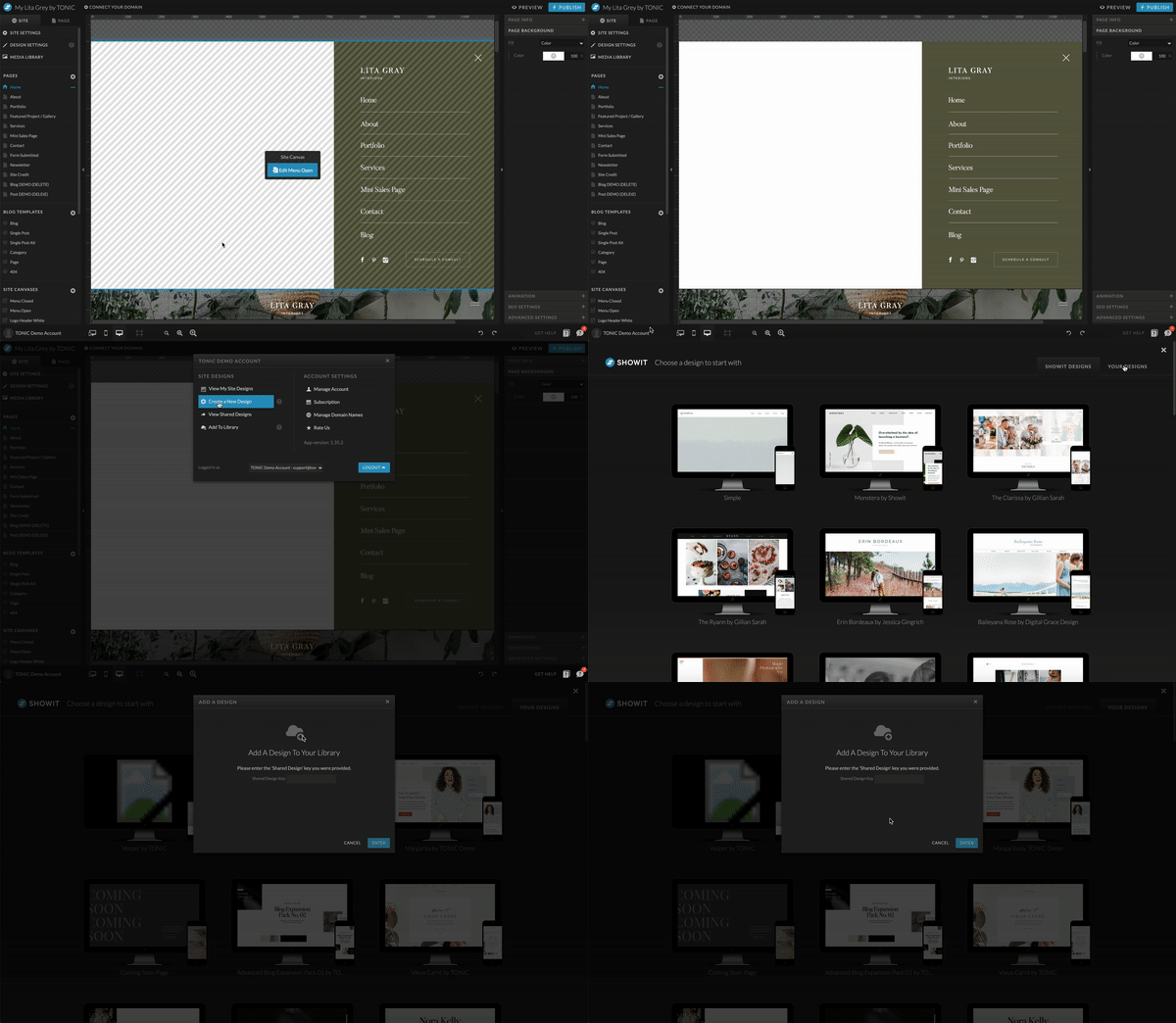
To access your TONIC template within Showit, all you have to do is log into your new Showit account via app.showit.co, toggle past the free Showit designs, and click on “your designs.”
Next, select “Add Design to Library” and paste the share key you copied into the box that says “shared design key.”
(If it’s not your first time, simply log into your account, and click “create a new design.”)
Once you click “start with this design” – it’s time to get rolling!
05 – Get ready to customize!
Once your template is installed, you’re officially ready to start making your Showit website your own by updating your branding elements, adding your copy, inputting your media, tweaking the design, adjusting your links, and optimizing for SEO.
Head over to Part 2 of this post to learn everything you need to know about successfully launching your Showit website!
Let us know how you’re doing! We love seeing new TONIC templates become your beautiful online home. If you’re in the process of customizing your Showit site, we want to see behind the scenes of what you’re working!
Click to join our TONIC regulars Facebook group so you can show off your site or ask any TONIC template questions you might have.
If you liked this post and want to be notified when the next one goes live, make sure you’re following along with us on Instagram & subscribed to our #longandweird newsletter for updates!