

Summary
In this post, we’re not just going to show you how to add a quiz to your Showit website; we’re also going to teach you how to create a quiz that actually converts. We’re giving you ALL the secrets we’ve learned over the years, so you can have a successful quiz *overnight*.
Legal stuff: This post contains affiliate links. We may get a small commission on purchases made through these links at no cost to you. All opinions are entirely our own and we only recommend products we truly believe in.
Having an Interact quiz on your Showit website is a great idea for many reasons. Not only is it one of the best ways to build your email list quickly, but it’s also a great way to keep your website visitors engaged on your website, introduce your products in a not-so-pushy way, and make your website visitors feel taken care of.
You know that feeling when you walk into a store, restaurant, or resort and it’s like they were just waiting for you and can anticipate your needs? A quiz provides that same feeling of being known. It’s like the not-pressured, but perfectly-personalized experience we all want in every consumer interaction. And you can check that box for your dream clients just by implementing an Interact quiz.
At TONIC, we generated over 7,000 subscribers in just one year by using one simple Interact quiz called “What’s Your Brand Cocktail?”! Our quiz asks you a few fun questions in order to pair you up with one of TONIC’s Showit website templates. And the results are also super fun for the quiz-taker because they tell you about yourself in a way that makes you feel known. That’s the goal.

Whether you’re a photographer, business coach, podcaster, or anyone using a Showit website, if you want more leads, an Interact quiz is something we really want you to try because we’ve seen so much success – not just us – but for TONS of our customer who have added Interact quizzes to their Showit websites. Sold yet?
If you’re ready to get started, you’re in the right place.
Grab a drink and get ready to give your website visitors a curated experience by adding an Interact quiz to your Showit website. We’re going to show you how, step by step.
Use this guide to jump to the information you’re looking for
- Develop the Perfect on-Brand Website Quiz
- Create Your Quiz Using the Interact Quiz Maker
- Create a Quiz Page in Showit
- Add an Interact quiz to Showit
- Top 5 examples of Interact Quizzes
Step 1: Develop the Perfect On-Brand Website Quiz
Before you jump head first into creating your Interact quiz, let’s go over a few important things.
The best results will come from a well thought-out quiz strategy. This doesn’t have to be a super complicated process, but thinking about WHY you’re creating the quiz before you start will help you deliver better results and keep your audience engaged. It’s like working backwards. Decide what your goal is – what the results will mean – and then develop your quiz to reach that goal.
Check out some of our best practices for developing the perfect website quiz for your business and client conversion goals:
Start With the End in Mind
When developing your quiz, keep the results at the forefront of your mind and drafting process. You want the questions to clearly point back to those results. This may seem obvious, but it’s easy to get carried away in the fun question-asking and kind of lose sight of the end goal, because really, that’s what the results mean; the results point to a pain point you and your business can solve.
Offer Value in Return
This begins by providing people insight into who they are. Everyone loves to know more about themselves – their personality, strengths, weaknesses, etc. This is why tests like the Enneagram have become so popular. So think about it like giving someone a little portal into self-discovery. This is the first layer of value. Each question should be fun, engaging, and specific. And the results should be clear, defined, and provide the quiz-taker with a unique perspective and insight about themselves – who they are, what they want, and what they need.
The next layer is the actual product or service their results point to. This is how you can give them what they want to provide what they need. This isn’t complicated, but because of the super-tailored experience your customers now have, it can be straightforward in a way that isn’t pushy.
Stay on Brand
You and your business have a very specific, strategic brand. Your quiz should use the same brand voice and emulate who you are and what your business is all about. The quiz should make sense in the context of you and your brand. And it should feel both intriguing and natural for someone to click to start. This is all about diction, humor, style, and imagery.
Short and Sweet and to the Point
Keep your results options limited (maybe 3-5) and your questions clickable (10 or less). This is important because you won’t get lost in the web of questions and answers and results as you develop the quiz, and the results will be super clear and specific. Those engaging with your quiz will also be more likely to complete the quiz if it doesn’t take them too long. That instant gratification and “hey, we know you” feels really good to your customer.
Ok. So now you know how to gather the ingredients for a great quiz, and you’re pretty much ready to make one on your own! We promise it’s easier than you think. We’ll even walk you through it.
Step 2: Create Your Website Quiz Using the Interact Quiz Maker
The first step is to create your quiz. If you haven’t noticed already, our favorite quiz maker is Interact. We are not sponsored by Interact in any way, we just love how easy it is to create a quiz with them.
The first step is to create an account with Interact. It’s free and really easy to set up. Navigate to Interact and you’ll see a button in the top right that says “Make Your Own Quiz for Free”.
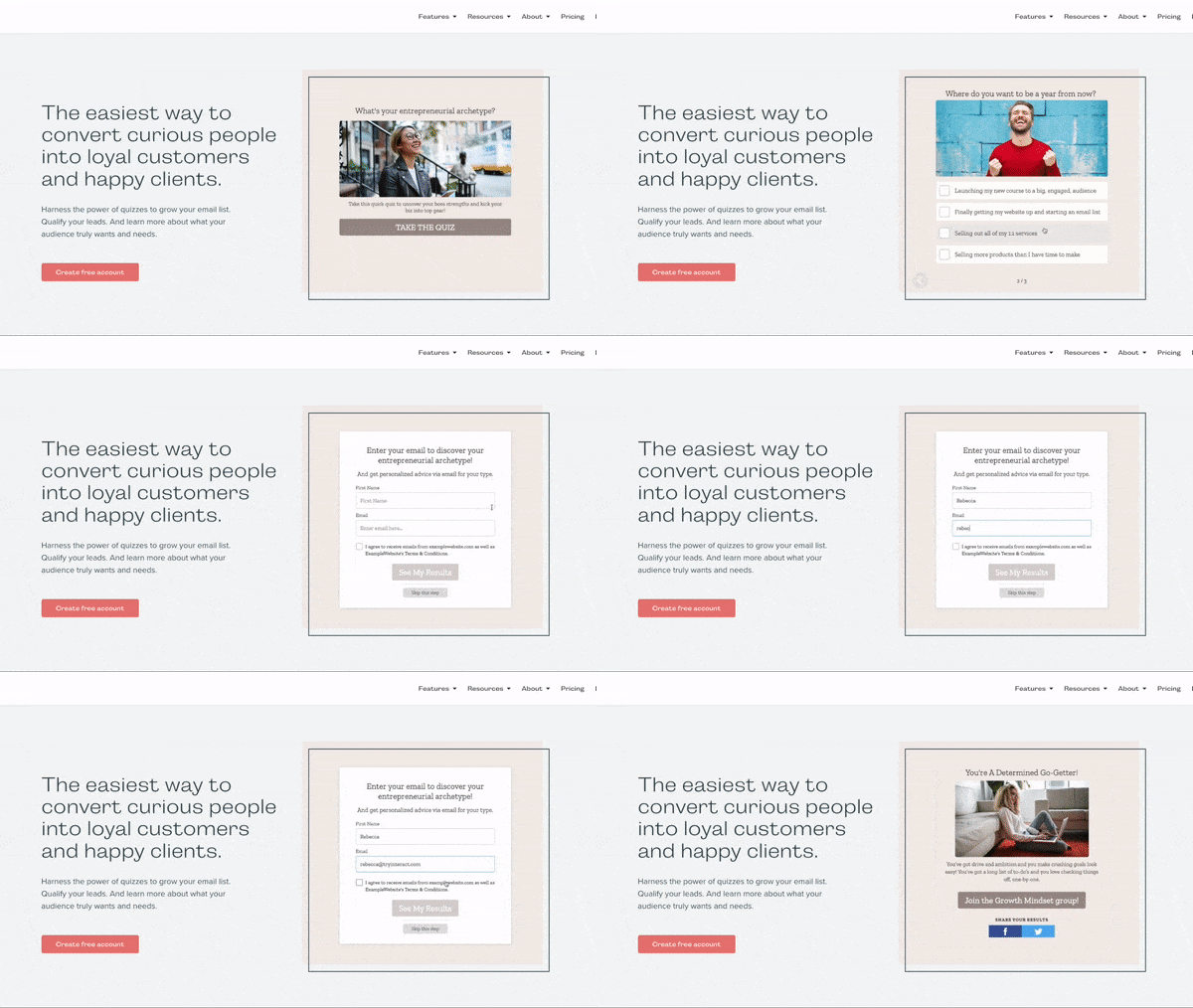
From there, Interact will guide you through the process of creating an account and getting your first quiz set up!
Remember to keep in mind what we’ve talked about above. Put some time and effort into creating your quiz questions and results.
Embedding your quiz into your Showit website is a breeze, so don’t worry about that and focus your energy on creating the best quiz you can!
Step 3: Create a Quiz Page in Showit
How does all this work? Do I need custom pages to have a quiz on my Showit website?
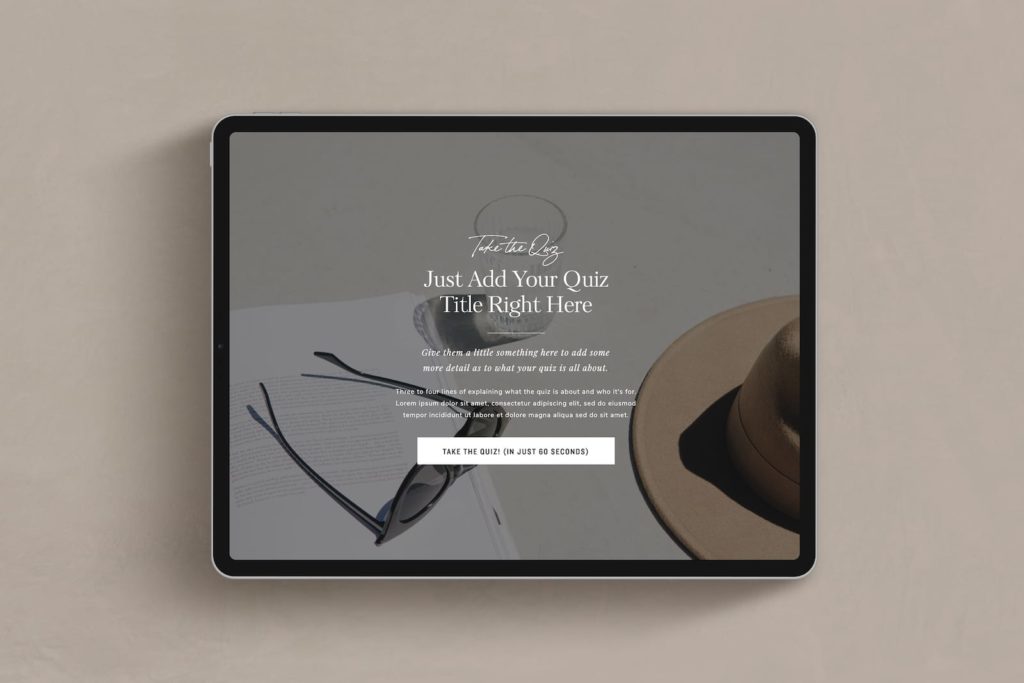
You can embed an interact quiz on any page of your Showit website but it’s nice to have a dedicated ‘quiz’ page as well. That way you can do fun things like this and this.
So you’ll need a quiz landing page and if you really want to wow your audience you can send them to a custom ‘quiz results’ page.
That may sound like a lot BUT we’ve already done the hard work for you. We’ve designed a bunch of beautiful quiz templates which includes a super sexy quiz results page.
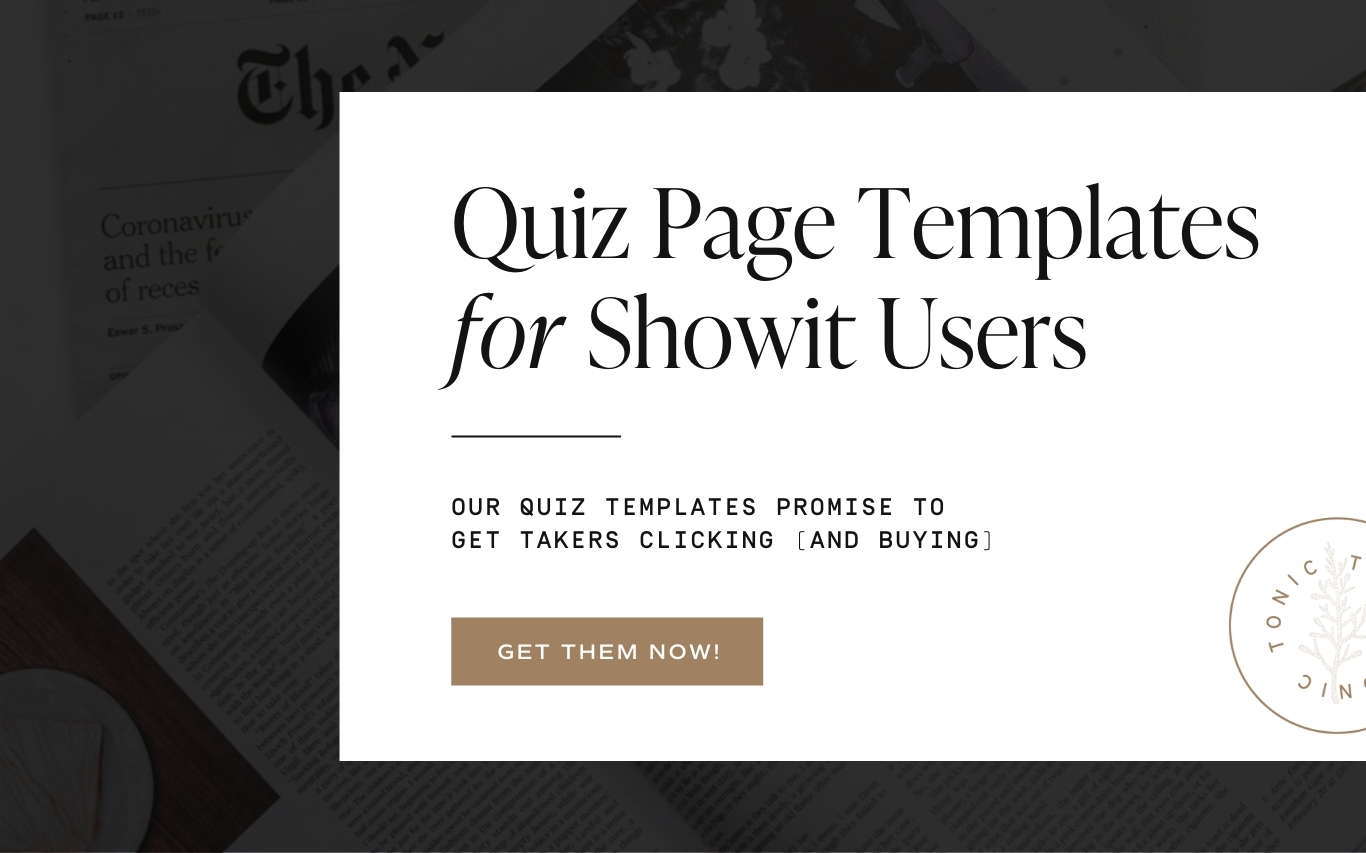
When you purchase the quiz templates we’ll even send you a tutorial on how to set up an Interact quiz on your Showit website in under 30 minutes.
You can get our pre-designed Showit quiz templates here.
Step 4: Add an Interact Quiz to Showit
Get the Interact quiz code
First, congratulations on creating a quiz! You’re well on your way to getting more leads and engaging with your website visitors. Now for the fun part!
Embedding your Interact quiz on your Showit template is easy and can be done in just a few steps.
The first step is to click on “Share & Embed”. This will pop up a window where you can select how you’d like to share your quiz.
Next, select your embed type. I prefer to use the javascript code type but iFrame will work the same!
*if you choose to use javascript, make sure you toggle on “Auto resize embed to fit quiz content”, “Use custom embed size”, and check “Fit embed to container”.
Now it’s time to head over to Showit where we can embed the Interact quiz code.
Embed your quiz code into Showit
If you haven’t already, you’ll need to create a canvas where your quiz will be embedded. If you’re not into designing your own quiz page you’re in luck. We’ve created beautiful, pre-designed Showit quiz canvases that you can find in our shop!
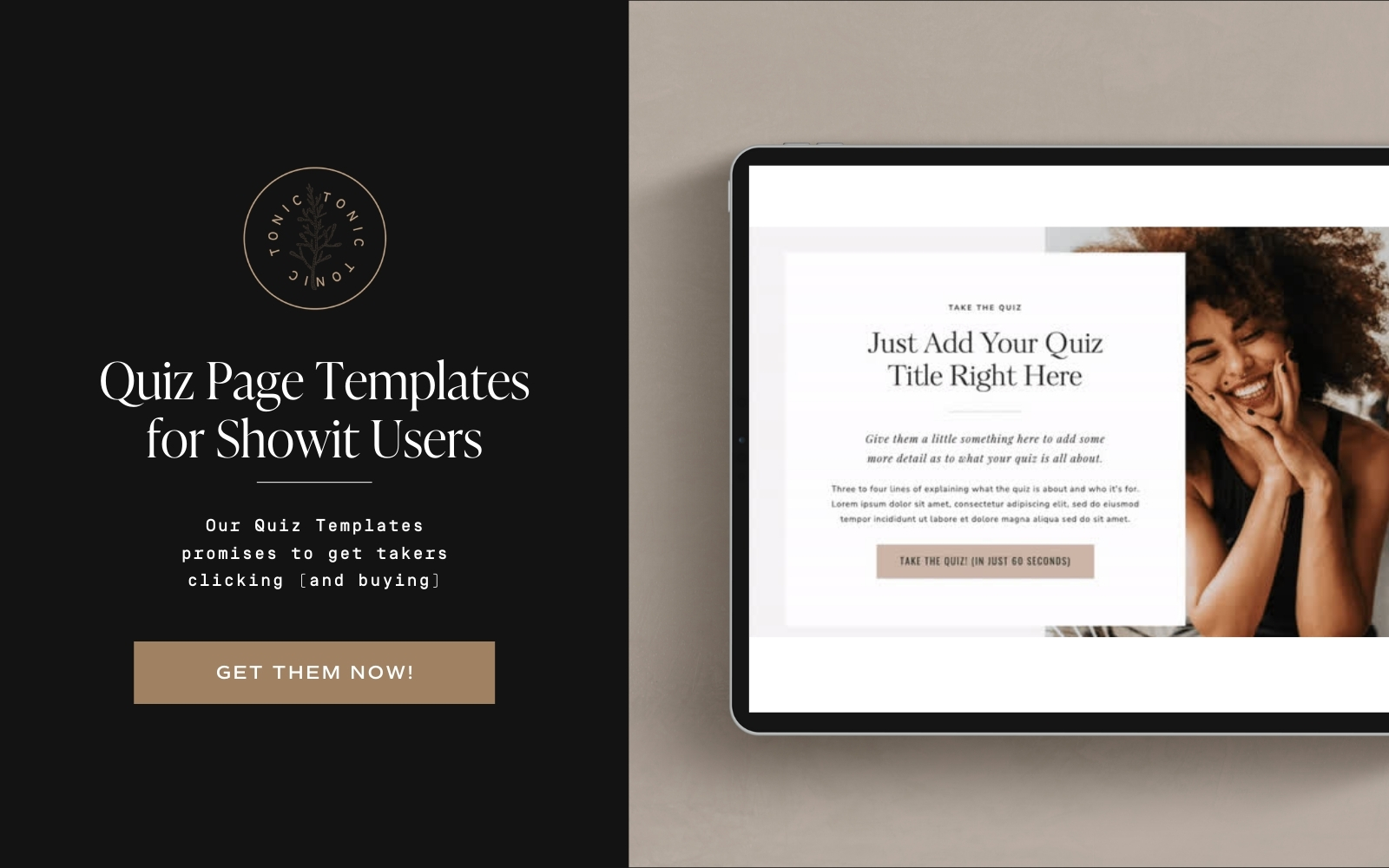
Once you have the space ready on your website, we’ll use Showit’s “embed code” box to add our interact quiz code.
Add your quiz code to the embed code box and click save.
Simply adjust the embed code box size to fit perfectly on your site and you’re ready to test your quiz out!
By now, you probably have a super sexy quiz on your website, but if you need a bit of inspiration here’s our top quiz picks (all on Showit websites).
Top 5 Showit Websites with Interact Quizzes
If you’re anything like me, you probably want to see Interact quiz examples out in the wild. We’ve compiled some of our favorite Showit websites that have great Interact quizzes.
Jenna Kutcher’s “What’s Your Secret Sauce” Quiz
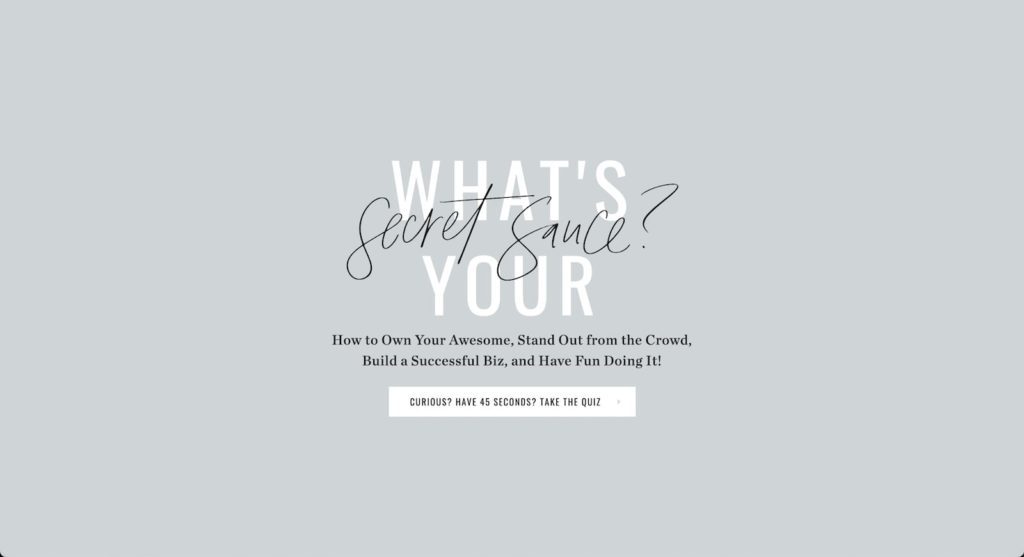
Besides having a fun and engaging title, this quiz is really good because it also clearly states what you will get out of clicking through a few questions.
She also straight-up tells you it will take 45 seconds (it does – we took it!), which makes it convenient and hard to pass up.
She asks ten, carefully crafted, interesting questions that feel more like a conversation than a quiz. On brand? Value offer? Short and sweet? check, check, check.
Copy Uncorked’s “Wine Quiz”

Who doesn’t want to take a quiz about wine? And at least as importantly, who doesn’t want to discover the key to determining and refining their brand, messaging, and voice?
This quiz is really great because it offers the taker valuable information through a tailored experience. With just a handful of questions, the quiz determines something you need to know AND provides engagement, builds the email list, and collects data.
This quiz is also fun because it promises access to all of the answers, just to satisfy your curiosity (another “we totally get you” moment).
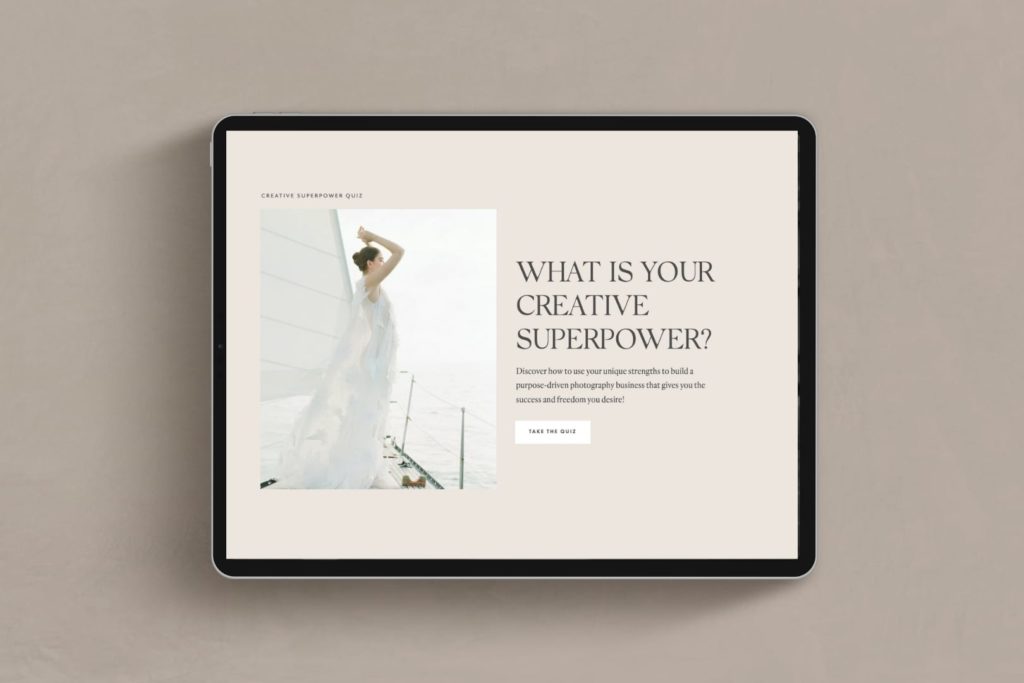
KT Merry’s “What’s Your Creative Superpower” Quiz
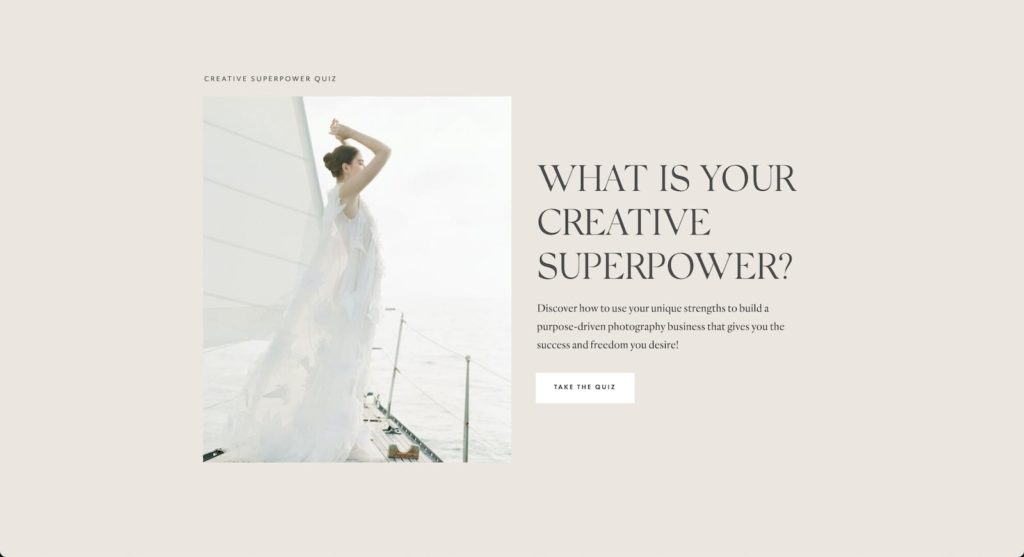
Everyone wants to find purpose and lead from their strengths, and this quiz is a perfect example of one made specifically for photographers who want success and freedom.
As an educator who has a specific client type in mind, this quiz is tailored to answer the questions of that specific person. The questions point to things like purpose and meaning in one’s work, seeing creativity as a power, and honing specific skills and strengths (something she can ultimately help people discover) as the keys to finding those things.
So in the end, this quiz isn’t just fun, it helps a specific audience that has big picture goals, meet the person who can help them. Win-win.
These are just a few of many, many examples we could have chosen to show you. We promise it’s not hard to make your own effective and engaging quiz. And we promise an Interact Quiz will generate subscribers while giving them something awesome, too.