

Tutorial #1: Getting Started

Tutorial #2: Animations & Effects
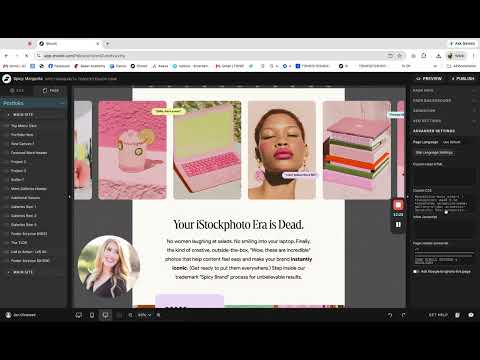
Tutorial #2.5: How to Edit Multiple Styles in One Text Box
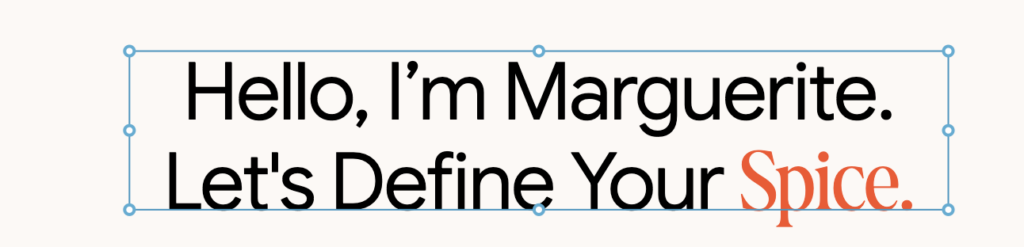
Hold the option key, then double click the text box. A dialog box will open up.

The text inside the <span style> tag is the text in red. It’s closed by the </span> tag.
Change the font by editing the where it says ‘Spicy Margarita Regular’
Change the color by replacing the hex code where it says #fa3e24
Change the text by replacing the text where it says “spicy” with your own text.
Change the size where it says “110%” (In our site, the serif was a little shorter than the sans!)
(Need help? Copy the entire code into Claude or ChatGPT and ask AI to format your headline with the correct text in the color of your choosing.)
Tutorial #2.75: How to Edit Scrolling Reviews on the Home Page

Tutorial #3: Blog Overview
COMING SOON!
Tutorial #4: Portfolio & Gallery Options

Tutorial #5: How to Add Your “On the Rim” Pages (podcast, sales page, etc) to your Spicy Margarita Design

← Back to All Tutorials